App Charts
Microsoft Authenticator icon

Microsoft Authenticator

by Microsoft Corporation

Productivity

View on App Store ↗ Free ★ 4.78 (1,109)

Previews

App Store preview images from the Cyprus storefront.

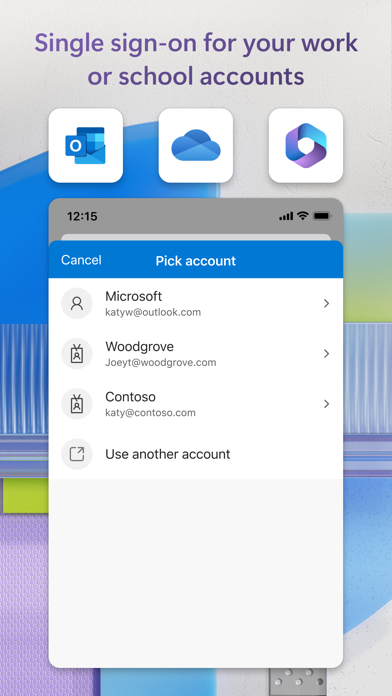
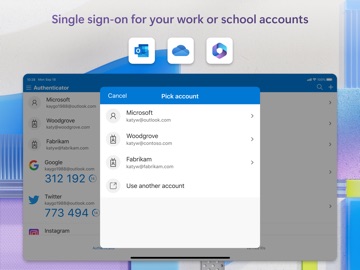
Microsoft Authenticator App Store preview screenshot 1 Microsoft Authenticator App Store preview screenshot 2 Microsoft Authenticator App Store preview screenshot 3 Microsoft Authenticator App Store preview screenshot 4 Microsoft Authenticator App Store preview screenshot 5 Microsoft Authenticator App Store preview screenshot 6 Microsoft Authenticator App Store preview screenshot 7

What's New

Version 6.8.48

5 days ago

We're always working on new features, bug fixes, and performance improvements. Make sure you stay updated with the latest version for the best authentication experience.

Description

About Microsoft Authenticator

Use Microsoft Authenticator for easy, secure sign-ins for all your online accounts using multi-factor authentication, passwordless, or password autofill. You also have additional account management options for your Microsoft personal, work or school accounts. Getting started with multi-factor authentication Multi factor authentication (MFA)provides a second layer of security. When enabled, during login after entering your password, you’ll be asked for an additional way to prove it’s really you. Either approve the... Read full description

Information

Seller
Microsoft Corporation
App ID
983156458
Bundle ID
com.microsoft.azureauthenticator
Compatibility
iOS/iPadOS 17.0+
Size
164 MB
Languages
AR, EU, BG, CA, HR, CS, DA, NL, EN, ET, FI, FR, GL, DE, EL, HE, HI, HU, ID, IT, JA, KK, KO, LV, LT, MS, NB, PL, PT, RO
Genres
Productivity, Utilities
Age Rating
4+
Released
May 30, 2015

Metadata is shown from the Cyprus storefront.

Country chart visibility

Latest chart appearances from Apple's public feeds. Only countries where this app appears in the fetched chart range are shown.

Loading chart appearances across storefronts…