 App Charts






What's New
Version 5.0.2
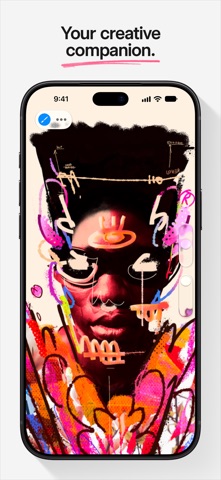
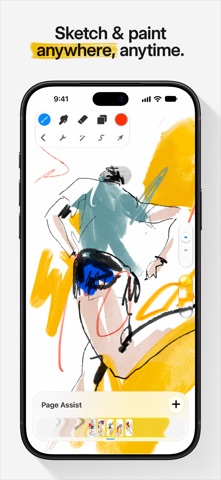
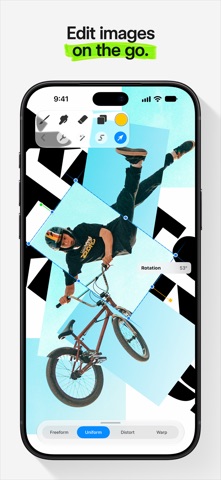
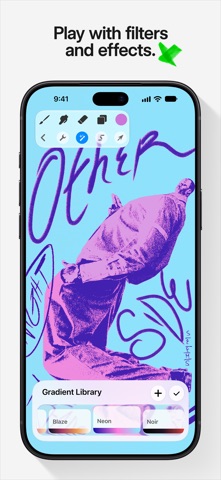
1 week agoGreat things come to those who wait. There's a fresh new look and so many features in Procreate Pocket 5, including brush libraries, Page Assist, and exciting hardware compatibility, that we better get into it. New Brushes There's over 150 new brushes in the Procreate Library created by our in-house Brush Developer Kyle T. Webster. It’s like being handed the keys to your own fully stocked art store; one that’s filled with brushes and styles that combine real-world familiarity with the endless possibilities of digital art. The beloved Classic brush library is still available by pinching inwards, or tapping ... and Show all libraries. Brush Search Find just the brush you need by swiping down in the brush library and start typing text or emoji. Brush Libraries Add another level of organisation to your brushes. Build collections of the brush sets you need for a project or art style. To access, create, edit, or share libraries, use the pinch gesture in the Brushes panel. Stroke Stabilisation Combine standard Stabilisation with Motion Filtering for ultra smooth and stable stroke creation. Set stabilisation app-wide, or apply to individual brushes in Brush Studio. Page Assist Ideal for creating storyboards, comics, books or use it as a sketchbook. Keep your focus on a single page or quickly flick through to where you need to be. Import PDFs and mark up your documents. Colour History Quickly jump back to your most recently used colours. Recent Brushes All of the brushes you've been using are now just a tap away. Plus you can pin your favorites so they’re always available. Brush Size Memory Save your chosen brush size or opacity by tapping + in the preview. Creatives, tattoo artists and inkers can now keep every line beautifully even and consistent as you save up to four size or opacity memories within any brush across paint, smudge and erase. Brush file management Sleep better at night by protecting your precious brush collection. Backup, organize and share them