App Charts
Speedometer 55 Pro. GPS kit. icon

Speedometer 55 Pro. GPS kit.

by Stanislav Dvoychenko

Navigation

View on App Store ↗ $3.99 ★ 4.72 (2,728)

Previews

App Store preview images from the default App Store storefront.

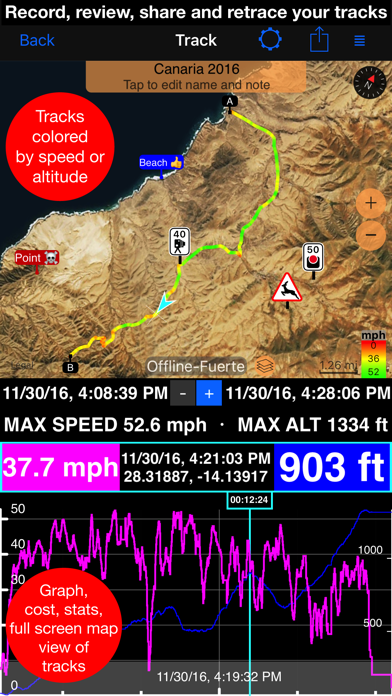
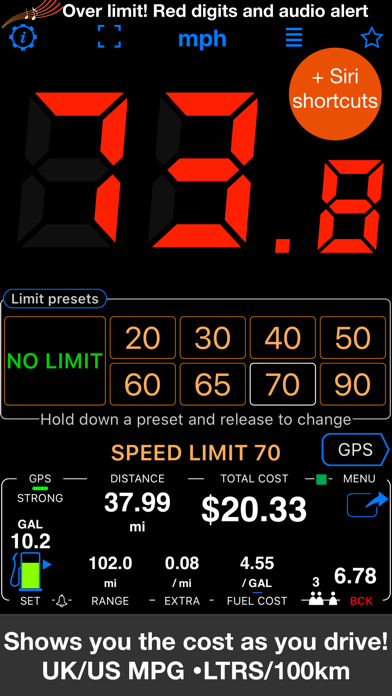
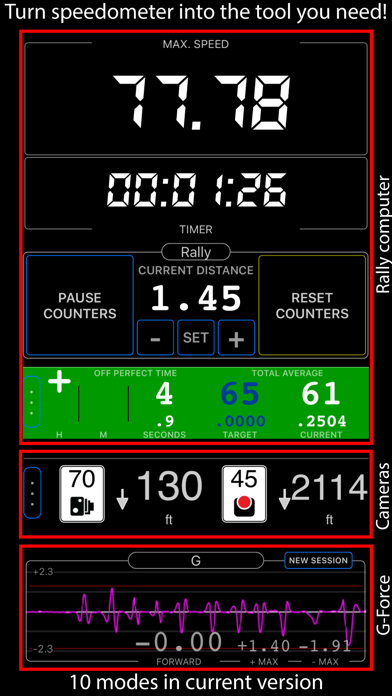
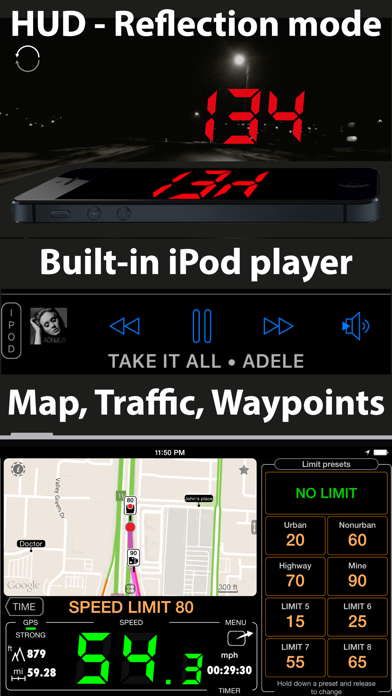
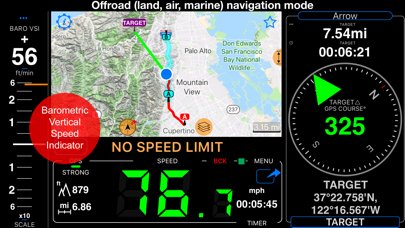
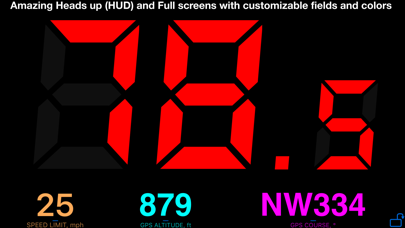
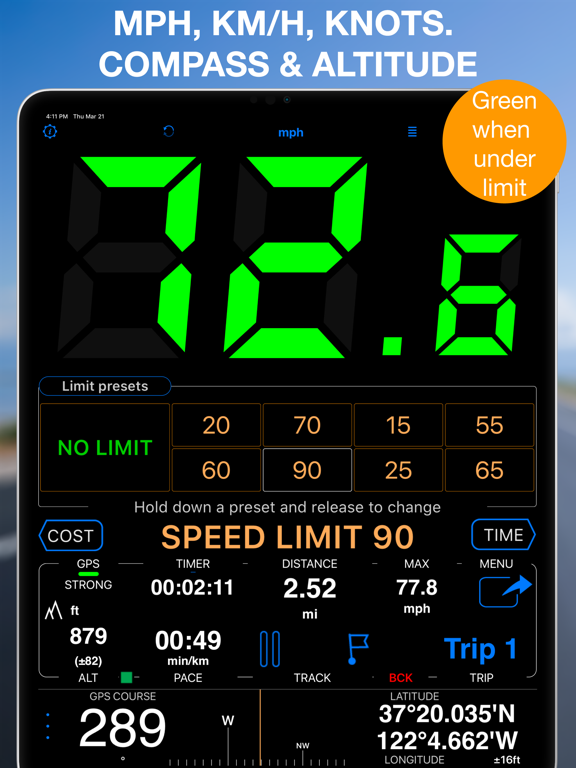
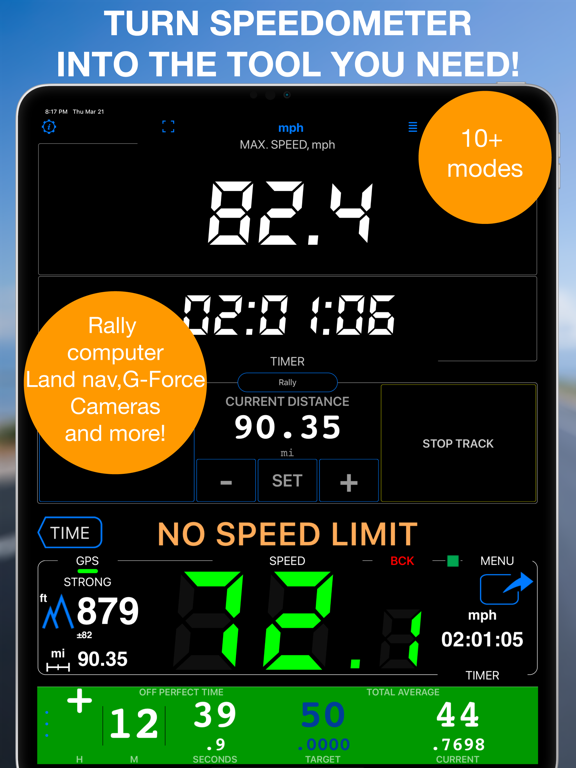
Speedometer 55 Pro. GPS kit. App Store preview screenshot 1 Speedometer 55 Pro. GPS kit. App Store preview screenshot 2 Speedometer 55 Pro. GPS kit. App Store preview screenshot 3 Speedometer 55 Pro. GPS kit. App Store preview screenshot 4 Speedometer 55 Pro. GPS kit. App Store preview screenshot 5 Speedometer 55 Pro. GPS kit. App Store preview screenshot 6 Speedometer 55 Pro. GPS kit. App Store preview screenshot 7 Speedometer 55 Pro. GPS kit. App Store preview screenshot 8 Speedometer 55 Pro. GPS kit. App Store preview screenshot 9 Speedometer 55 Pro. GPS kit. App Store preview screenshot 10 Speedometer 55 Pro. GPS kit. App Store preview screenshot 11 Speedometer 55 Pro. GPS kit. App Store preview screenshot 12 Speedometer 55 Pro. GPS kit. App Store preview screenshot 13 Speedometer 55 Pro. GPS kit. App Store preview screenshot 14 Speedometer 55 Pro. GPS kit. App Store preview screenshot 15 Speedometer 55 Pro. GPS kit. App Store preview screenshot 16 Speedometer 55 Pro. GPS kit. App Store preview screenshot 17 Speedometer 55 Pro. GPS kit. App Store preview screenshot 18 Speedometer 55 Pro. GPS kit. App Store preview screenshot 19 Speedometer 55 Pro. GPS kit. App Store preview screenshot 20

What's New

Version 6.2

4 weeks ago

■ Waypoint labels, your way ‣ Waypoint names can now be shown as compact or larger map labels, with either the current filled background or a clean no-background style using the waypoint color for the text. ‣ Waypoints with attached photos can show a thumbnail right above the name on the map, making photo points easier to recognize without opening the waypoint first. ‣ To set it up, open Map Settings > Common settings > Waypoint labels. Label size, Photo thumbnail, and Label background are separate visible controls.

Description

About Speedometer 55 Pro. GPS kit.

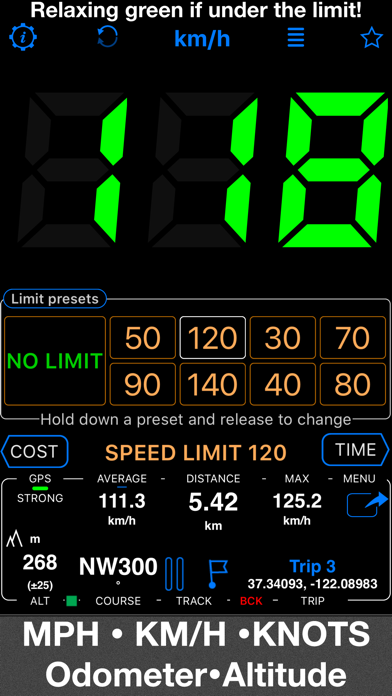
A premium speedometer, GPS tracker, and trip cost monitor for iPhone and cellular iPad. Stay informed and in control while you drive. When you exceed a preset speed limit, the large digits turn from green to red with a sound alert. Track trip costs in real-time and split expenses with passengers. Record your trips for easy review, analysis, or sharing. Features: ■ Cost & Fuel Monitor Monitor your driving costs in real-time. Enter fuel price and efficiency (US/UK MPG or L/100 km), plus optional extra charges per m... Read full description

Information

Seller
Stanislav Dvoychenko
App ID
530829008
Bundle ID
com.blocoware.speedometer
Compatibility
iOS/iPadOS 15.6+
Size
81.3 MB
Languages
EN, FR, DE, JA, KO, PL, PT, RU, ES, ZH, TR
Genres
Navigation, Finance
Age Rating
4+
Released
Jun 10, 2012

Metadata is shown from the default App Store storefront.

Country chart visibility

Latest chart appearances from Apple's public feeds. Only countries where this app appears in the fetched chart range are shown.

Loading chart appearances across storefronts…