App Charts
Jump Desktop (RDP, VNC, Fluid) icon

Jump Desktop (RDP, VNC, Fluid)

by Phase Five Systems

Business

View on App Store ↗ R$ 99,90 ★ 4.04 (23)

Previews

App Store preview images from the Brazil storefront.

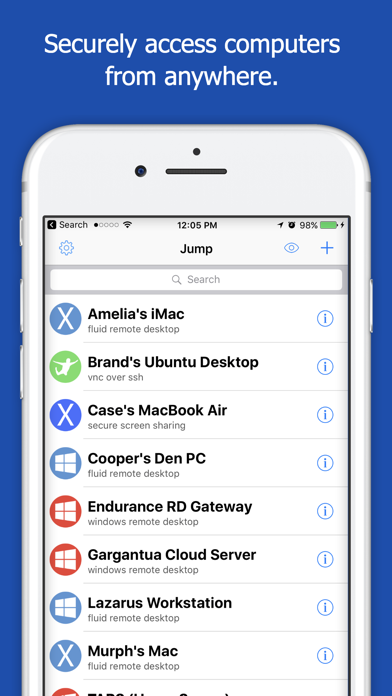
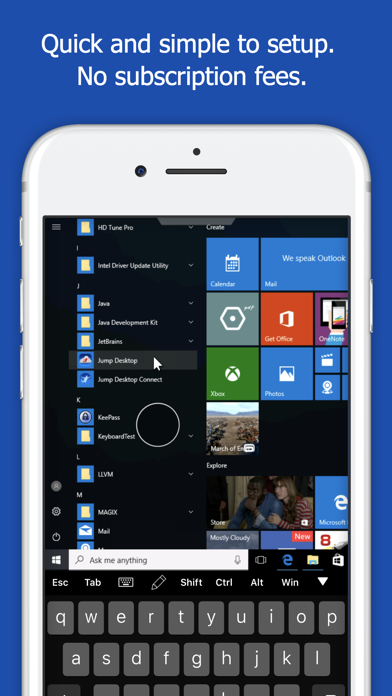
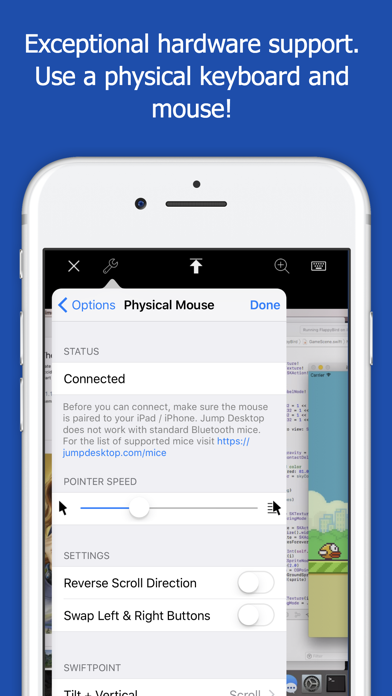
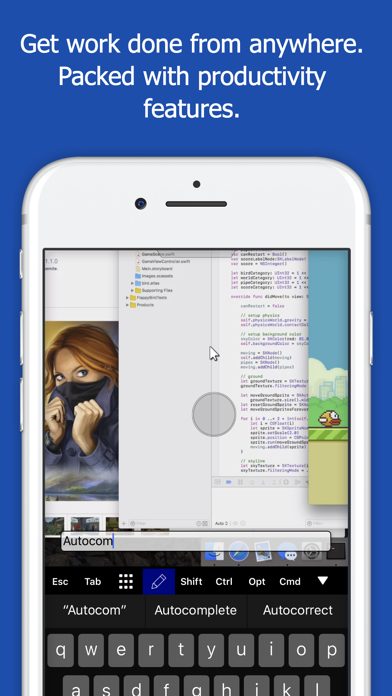
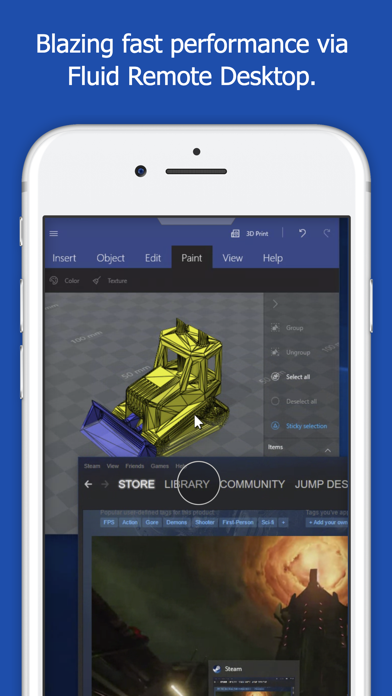
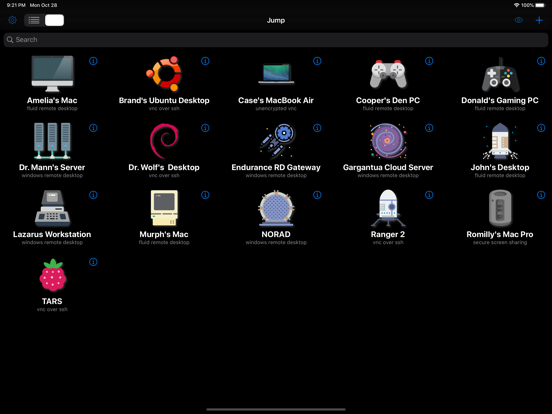
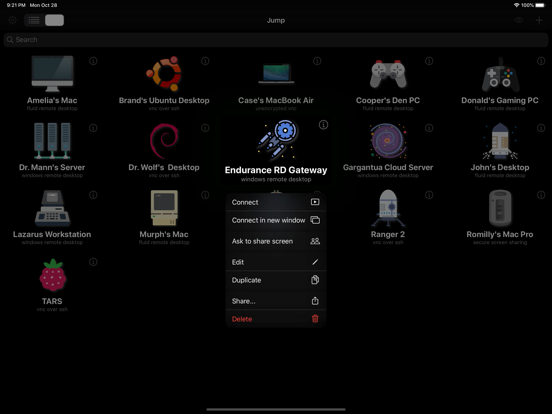
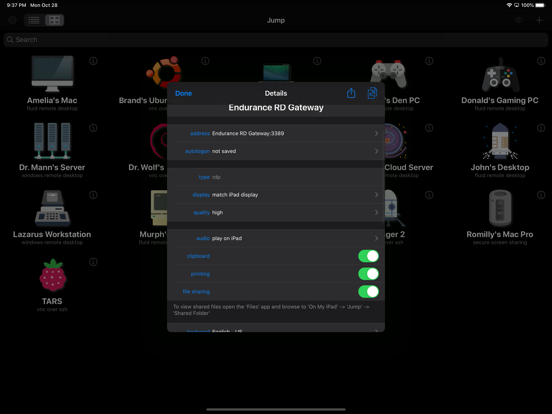
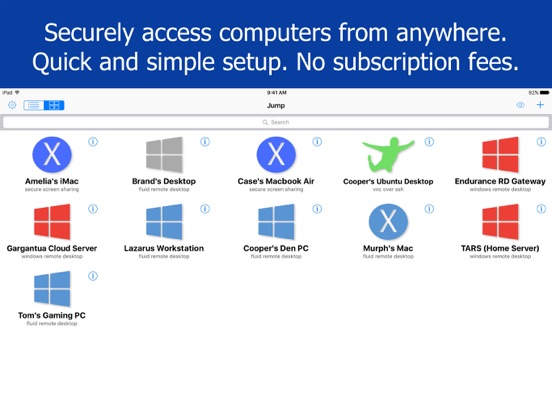
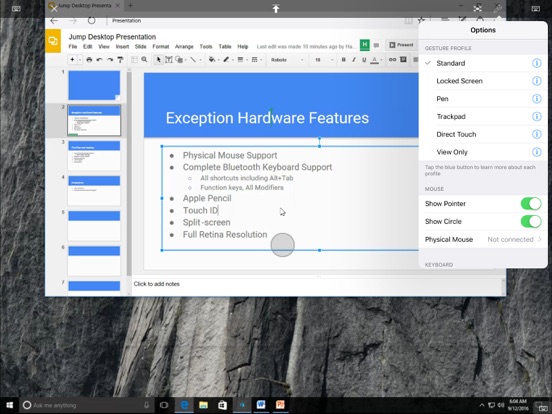
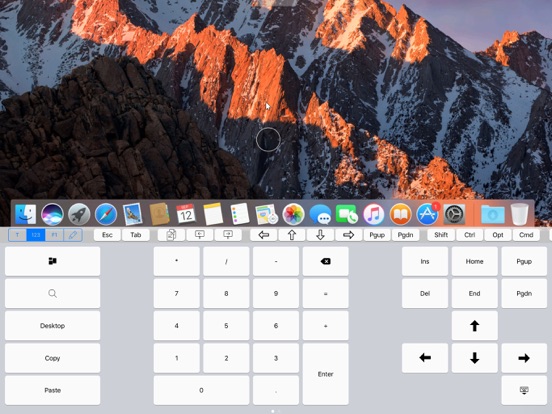
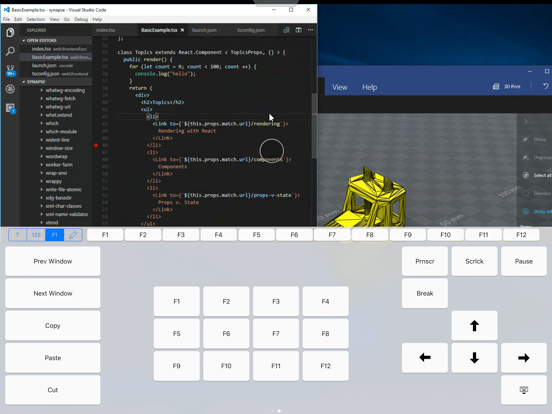
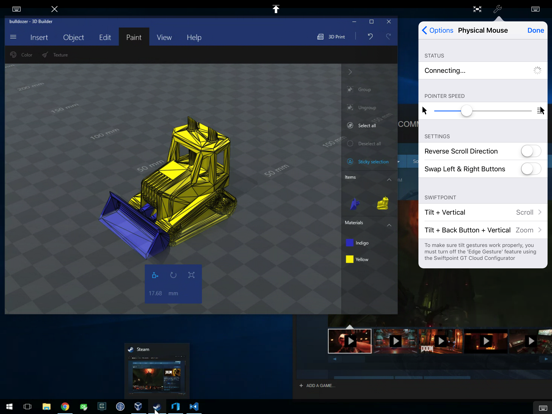
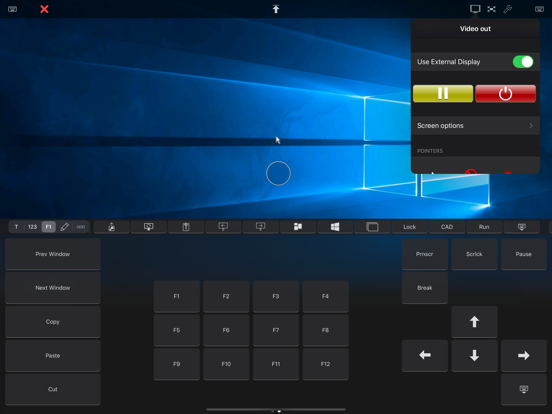
Jump Desktop (RDP, VNC, Fluid) App Store preview screenshot 1 Jump Desktop (RDP, VNC, Fluid) App Store preview screenshot 2 Jump Desktop (RDP, VNC, Fluid) App Store preview screenshot 3 Jump Desktop (RDP, VNC, Fluid) App Store preview screenshot 4 Jump Desktop (RDP, VNC, Fluid) App Store preview screenshot 5 Jump Desktop (RDP, VNC, Fluid) App Store preview screenshot 6 Jump Desktop (RDP, VNC, Fluid) App Store preview screenshot 7 Jump Desktop (RDP, VNC, Fluid) App Store preview screenshot 8 Jump Desktop (RDP, VNC, Fluid) App Store preview screenshot 9 Jump Desktop (RDP, VNC, Fluid) App Store preview screenshot 10 Jump Desktop (RDP, VNC, Fluid) App Store preview screenshot 11 Jump Desktop (RDP, VNC, Fluid) App Store preview screenshot 12 Jump Desktop (RDP, VNC, Fluid) App Store preview screenshot 13 Jump Desktop (RDP, VNC, Fluid) App Store preview screenshot 14 Jump Desktop (RDP, VNC, Fluid) App Store preview screenshot 15

What's New

Version 10.15.28

18 hours ago

Jump Desktop 10 is the biggest update to Jump Desktop for iPhone and iPad in years. VIRTUAL DISPLAYS, FOR THE FIRST TIME ON IPHONE AND IPAD • A Single Virtual Display gives the host a desktop made for your device — your screen's exact resolution, full Retina sharpness, following rotation and running at your screen's refresh rate. No more pinching and zooming around a desktop built for someone else's monitor. • Turn it on the first time you connect, or any time from the Display menu. SHARPER, SMOOTHER SESSIONS • Hardware decoding keeps motion smooth and your battery lasting longer. Choose Codec > Hardware. • Choose Fluid 2.0, Fluid or Hardware from the new Codec menu. • Pick a Color Quality level: Good for performance, High for sharp text, Pro and Ultra for 10-bit color. • Sessions run at up to 120 frames per second on ProMotion iPhone and iPad models. MORE WAYS TO WORK • On iPad, work on as many computers as you want at the same time, each in its own window. Touch and hold a computer, then tap Connect in new window. • Pair a game controller and the host sees an Xbox controller, or use the on-screen controller with movable portrait and landscape layouts. • Use External Display puts the host's screen on a monitor, TV or projector while you control the session from your iPhone or iPad. • Choose how long sessions stay connected in the background, from a few minutes up to No Limit. • Tap Settings, then Show Connection Stats, to see how the connection is doing. Full details: https://docs.jumpdesktop.com/whats-new

Description

About Jump Desktop (RDP, VNC, Fluid)

Leave your laptop behind. Enjoy the freedom to work from anywhere. Jump Desktop is a remote desktop application that lets you securely connect to any computer in the world. Compatible with both RDP and VNC, Jump Desktop is secure, reliable and very easy to set up. Jump Desktop also supports our own, high performance, next generation remote desktop protocol called Fluid Remote Desktop. Easy setup and reliable: Jump Desktop is very easy to setup; anyone can do it! Just visit: https://jumpdesktop.com on your PC... Read full description

Information

Developer
Phase Five Systems
Seller
PhaseFive Systems
App ID
364876095
Bundle ID
4GU63N96WE.com.p5sys.jumpdesktop
Compatibility
iOS/iPadOS 16.0+
Size
57.2 MB
Languages
EN, FR, DE, IT, JA, KO, RU, ZH, ES
Genres
Negócios, Utilidades
Age Rating
+4
Released
Apr 1, 2010

Metadata is shown from the Brazil storefront.

Country chart visibility

Latest chart appearances from Apple's public feeds. Only countries where this app appears in the fetched chart range are shown.

Loading chart appearances across storefronts…